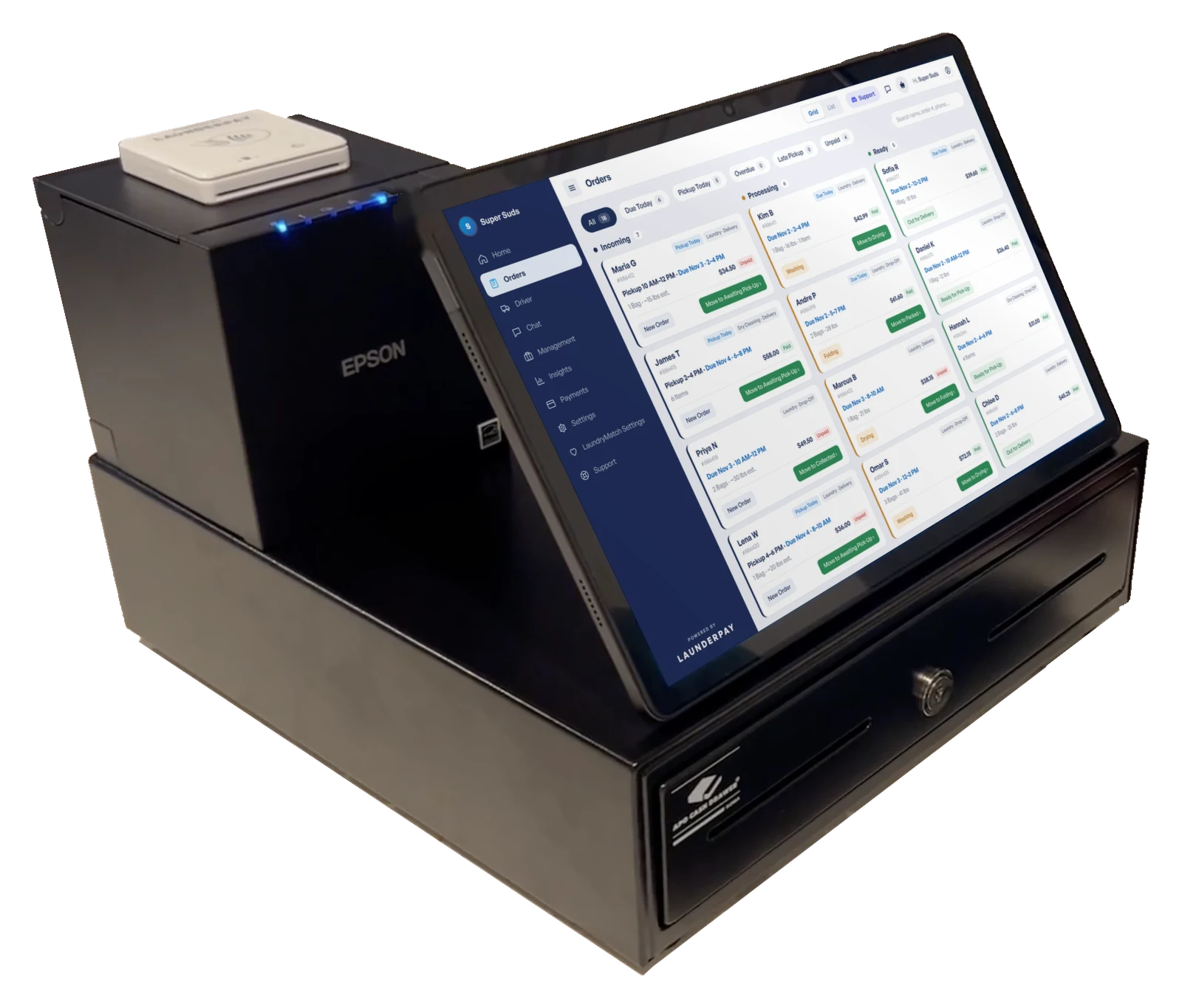
Pro hardware. Or the hardware you already have.
Get everything in one $750 kit: a 13.5" touchscreen, Epson receipt printer, card reader, APG cash drawer, keyboard, and mouse, with 30-day returns. Or run LaunderPay on the phones, tablets, computers, and Sunmi kiosks you already own.
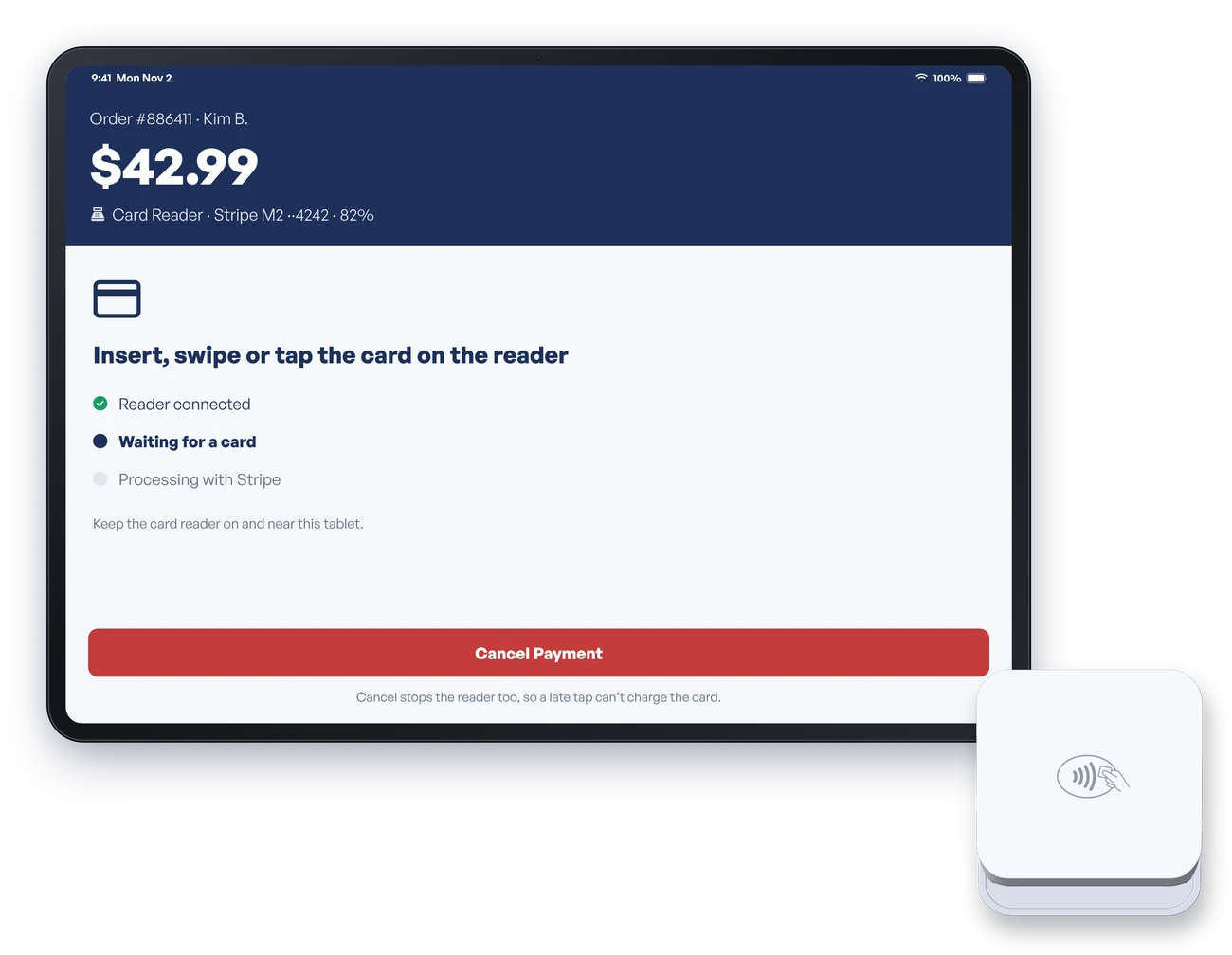
Card payments, with or without a reader.
Tap to Pay on iPhone and most newer Android phones costs nothing extra. Want chip and swipe? Add a card reader to any phone or tablet. Card readers are bought separately and run on our payment processor.
- Free Tap to Pay on iPhone and Android
- Card readers pair with any iOS or Android device
- Part of the $750 kit, or buy one on its own
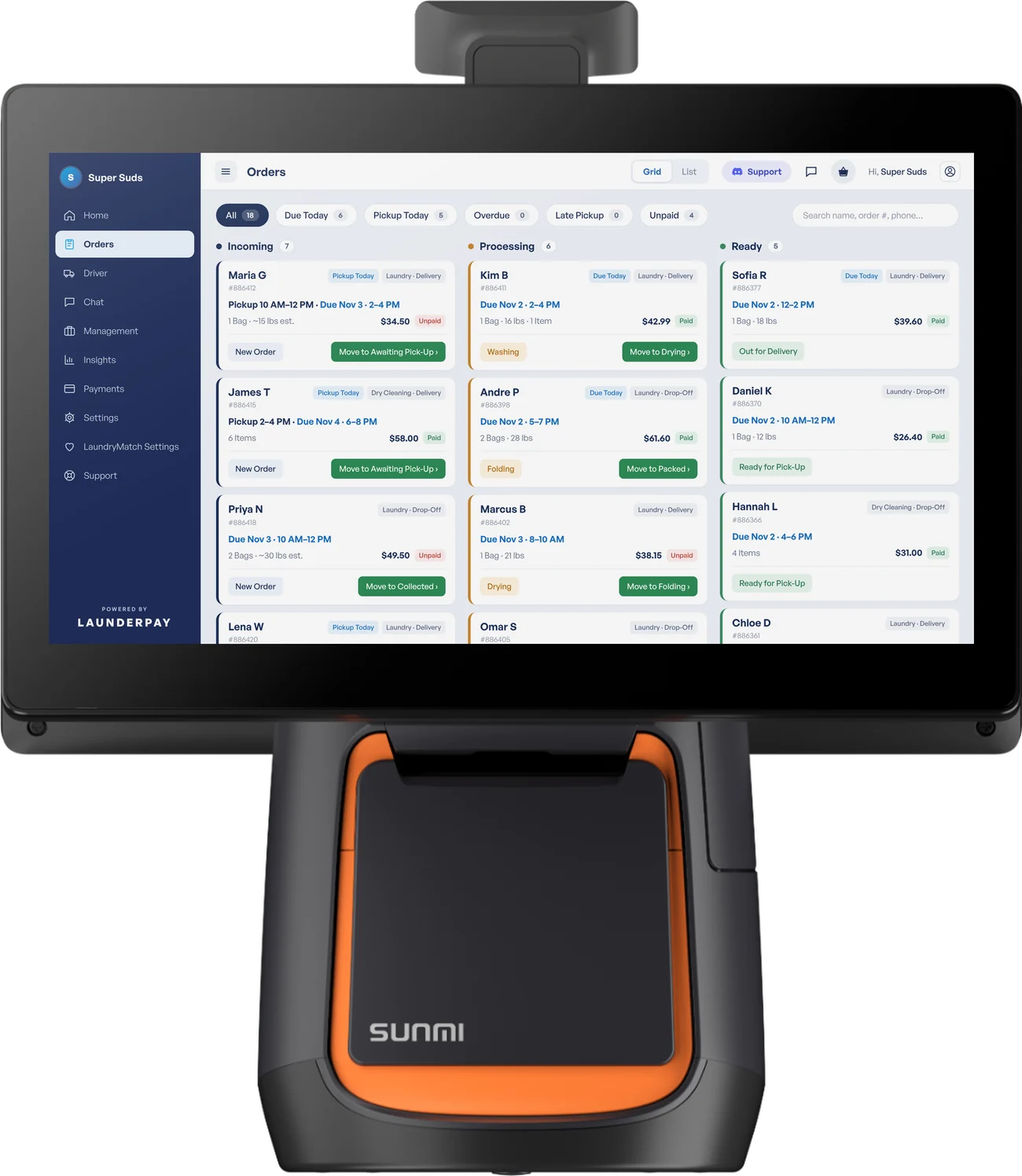
Keep the equipment you already own.
LaunderPay runs on phones, tablets, computers, and Sunmi POS tablets, including the Sunmi T2s kiosks used by Cents and Turns. Sunmi's built-in printer and cash drawer work through our app.
- Phones, tablets, and computers
- Sunmi T2s with built-in printer and cash drawer
- No proprietary hardware lock-in
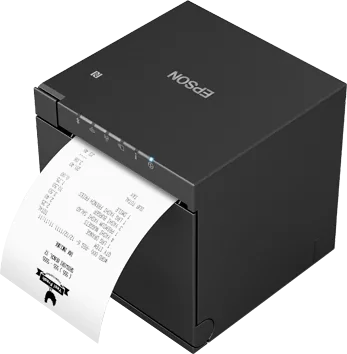
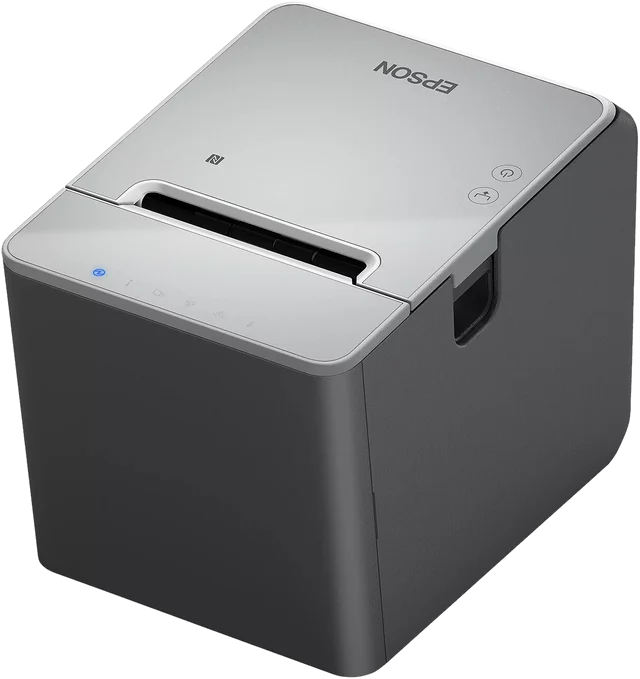
Print receipts, bag tags, and labels.
LaunderPay can print to any printer that your computer or tablet already recognizes, meaning the printer is installed and connected to that device. If your device can't see the printer, LaunderPay can't print to it.
The exception is our Epson printers and the Sunmi: our app connects straight to the Epson TM-m30III receipt printer, the Epson TM-L100 label printer, and the Sunmi built-in printer, with no setup on the device.
- Any printer your computer or tablet recognizes
- Epson TM-m30III receipts and Epson TM-L100 labels through our app
- Sunmi built-in printer through our app
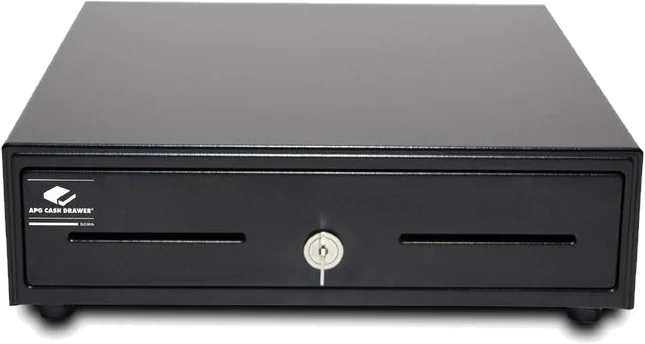
A cash drawer that opens on its own.
Connect your cash drawer to an Epson TM-m30III printer or a Sunmi tablet, and LaunderPay pops it open automatically when you take cash. Without one of those, a cash drawer can't open on its own.
- Opens automatically through the Epson TM-m30III or the Sunmi
- Deposits, withdrawals, and end-of-day balancing
- APG cash drawer included in the $750 kit
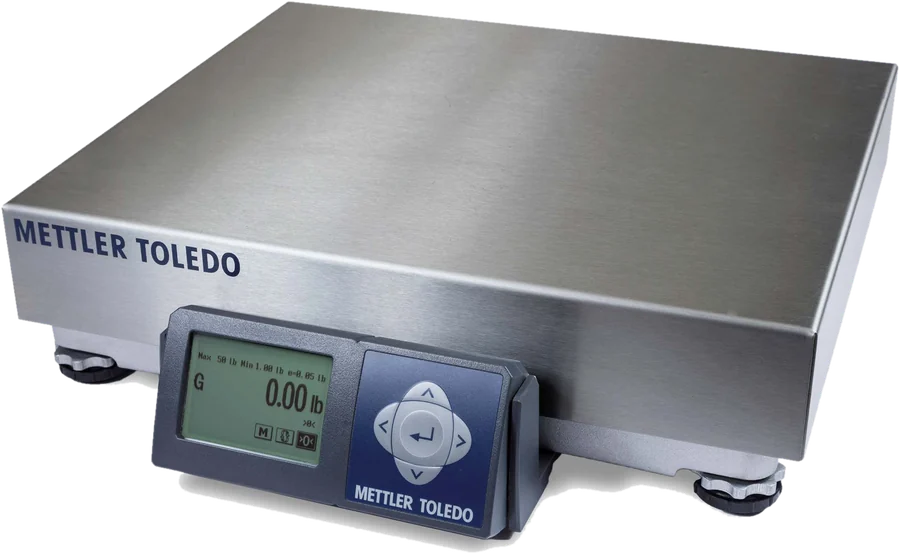
Weigh with the Mettler Toledo BC60.
LaunderPay integrates with the Mettler Toledo BC60 scale, so bag weights go straight onto the order and prices are always right.
- Mettler Toledo BC60 integration
- Weights go straight onto the order
- Weigh before and after the wash
Everything else, built in.
No higher tiers to unlock. It all comes with LaunderPay at $70 a month per store.
What to look for in laundromat POS hardware.
Here's what we tell owners to check before picking a system, and how LaunderPay answers each one.
Questions owners ask.
What hardware do I need for LaunderPay?
None to start. LaunderPay runs on phones, tablets, and computers. Add a printer, cash drawer, card reader, or scale when you want, or get our complete kit for $750.
What comes in the $750 kit?
A 13.5" touchscreen tablet, an Epson Wi-Fi receipt printer, a card reader, an APG cash drawer, and a keyboard and mouse.
Which printers work with LaunderPay?
Any printer your computer or tablet already recognizes. If your device can't see a printer, LaunderPay can't print to it. Our app also connects straight to the Epson TM-m30III receipt printer, the Epson TM-L100 label printer, and the Sunmi built-in printer.
Do you support label printers?
Yes. LaunderPay works with the Epson TM-L100 label printer.
Does the cash drawer open automatically?
Yes, when it is connected to an Epson TM-m30III printer or a Sunmi tablet. A cash drawer can't open on its own without one of those.
Which scale works with LaunderPay?
LaunderPay integrates with the Mettler Toledo BC60 scale.
Can I keep my Sunmi kiosk from Cents or Turns?
Yes. LaunderPay runs on the Sunmi T2s and uses its built-in printer and cash drawer. Card readers from other POS companies will not work; use Tap to Pay for free or add a card reader.
Can I return hardware?
Yes. You can return hardware within 30 days of delivery.
Laundry runs better here.
See LaunderPay with your own prices and services in a free demo.
Book a Free Demo